0:00 / 0:00
Manage Your Saved Blueprints With Ease
selfprime.net0 views0 likesAug 24, 2026
Managing Saved Blueprints From Your Dashboard
Transcript
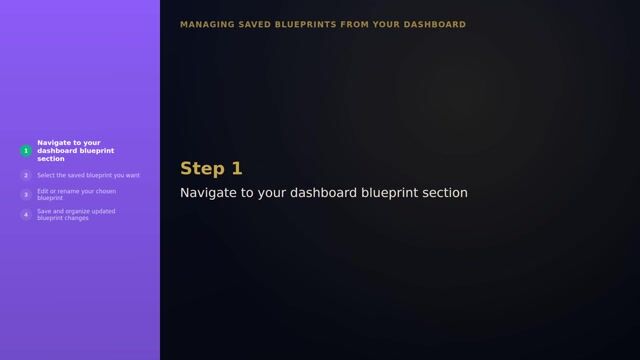
Your dashboard stores every saved Blueprint in one place, so you never regenerate the same chart twice. Open any saved Blueprint to review your Energy Type, Authority, defined centers, active gates, and full Synthesis insights. Return to saved entries over time to deepen your understanding, rather than treating a single reading as complete. Keep your dashboard as your home base for every chart and Synthesis you actually use.
Connecting…
Be the first to say something!
No active poll.
The creator starts polls here.
Watch Party
Sync playback with everyone in the room.
The creator hosts watch parties here.
Using Your BlueprintEpisode 1 of 20
- 1Manage Your Saved Blueprints With Ease
- 2Unlock Your Free Energy Blueprint Today
- 3Billing Upgrades and Practitioner Access Basics
- 4Getting Ready for Your Prime Self Session
- 5Export and Share Readings with Ease
- 6How to Read Your Body Graph
- 7Using Daily Transits Without Overcomplicating Your Day
- 8See Your Pattern Clearly
- 9Understanding Your Energy Type
- 10Welcome, Generator
- 11Welcome, Manifesting Generator
- 12Welcome, Manifestor
- 13Welcome, Projector
- 14Welcome, Reflector
- 15Composite Relationships and the Overlay View
- 16Defined and Undefined Centers
- 17Your First Look at Your Blueprint
- 18Working With Transits
- 19The Life Diary and Temporal Validation
- 20Your First Week Begins